Shared with friends & family
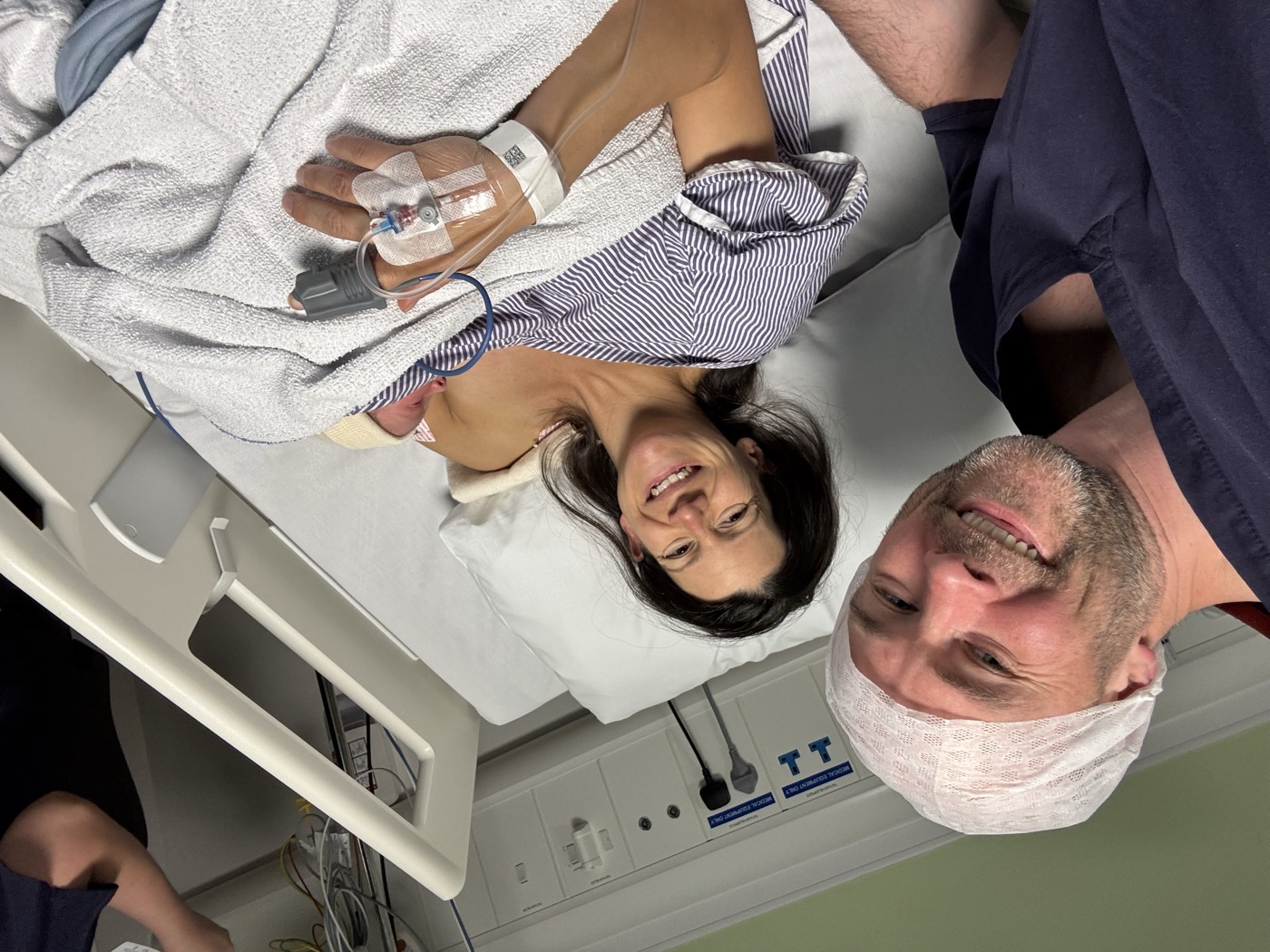
She did it! Baby’s arrived.
Lilly and Charlie are resting and soaking it all in. Thank you for all the love—we’ll share more soon.
Share one pregnancy, labour or birth update with the circles you choose—without repeating yourself or managing a group chat.
Private by default. You choose who, when and if.
When something happens—a scan, the start of labour, the birth—the instinct is to tell everyone straight away. That can mean repeating yourself and answering well-wishes one by one, when you have the least capacity for it. First Light turns it into one update, shared with the circles you choose.
Lilly and Charlie are resting and soaking it all in. Thank you for all the love—we’ll share more soon.
A little preparation now means one less thing to manage when labour finally arrives.
Start with Inner Circle, Family and Friends—or add your own, such as work, the yoga girls or the football club. Share an invitation link and approve the people who request to join, ahead of time.
Write updates ahead of time—especially your labour message—so when the moment comes you only choose who sees it and send. You can always edit before sharing.
Tick the circles for this update. Different news can go to different people—so Mum and Dad hear first, and your yoga group only hears what you choose to share with them.
When labour starts, choose your circles and send the message you prepared ahead of time—the one you wrote when you had space to think. Then put the phone down. People can read your updates, but cannot reply while labour mode is on, so nothing else needs managing.
Share again only when you feel ready. One click lets everyone know how you are and allows you to get back to being present together.
We’re in labour and feeling the love. We’ll share more when we can—thank you for holding us in your thoughts.
In a group chat, every reply is visible to everyone, and there's a felt pressure to respond—especially once people can see you're online. First Light is a broadcast, not a thread: your update reaches only the circles you choose, with no shared conversation for anyone to keep up with or feel obligated to join.
And in labour mode, there are no replies.
We're in labour and feeling the love. We'll share more when we can—thank you for holding us in your thoughts.
Family might get a scan update. Work friends might just hear the essentials. Add the circles that matter to you, then choose which ones can see each update.
Everything looked good today. We’re going to enjoy this quietly for a little while.
We’ve got the essentials covered. If you’d like to help, meals for the freezer would be lovely.
We’re taking things slowly and will share here when we’re ready.
Some days take more than others. Share a short note, pause for a while, or say nothing at all. There is no right amount to share.
Request to join a private space for updates from someone you care about. Once they approve you, you’ll see what they choose to share with your circle.
The app is the best way to receive updates. Friends and family can also follow in a browser: they open your invitation link, sign up or sign in, and request to join. Once you approve them, they can see updates shared with their circle—no app required.
First Light is built around boundaries, not broadcasting. You decide who comes in and what you share.
People request to join through an invitation link. Your updates stay private to the circles you choose.
Anyone with your invitation link can sign up or sign in and request to join. You approve each new person before they can see your updates, so a forwarded link alone does not give access.
No update goes to friends or family unless they are in a circle you have shared with.
Create your First Light account, then choose the people and moments you want to share.